
Create Media
Use lalui to create your medias.
- Having an account with editor rights at least.
Follow first steps to connect to lalui and navigate to media page by clicking the media box.
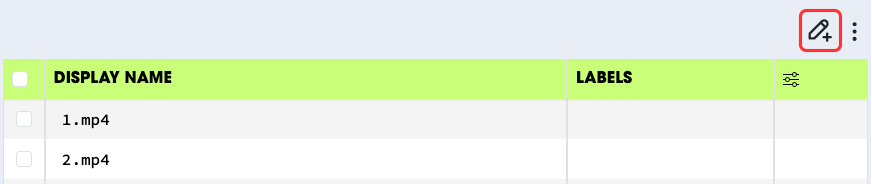
Once you are on the page, click the create button.
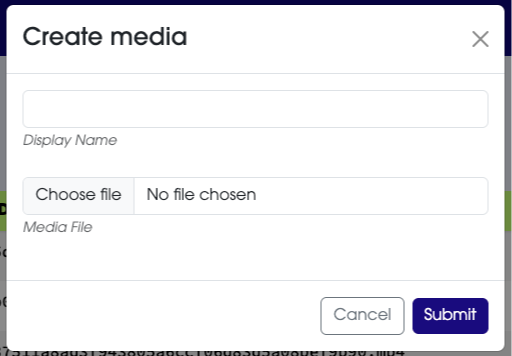
In order to create a media you need to fill in the following informations:
- Display Name: this is the name used to identify easily a media in the system. Display names must be unique.
- Media File: this is the actual file of the media visual. Find on your machine the file corresponding to the media and select it.
If the display is already taken, you will be able to overwrite it. This will delete the previous media and replace it with the new one you’re creating.
This overwrite action, cannot be revert.